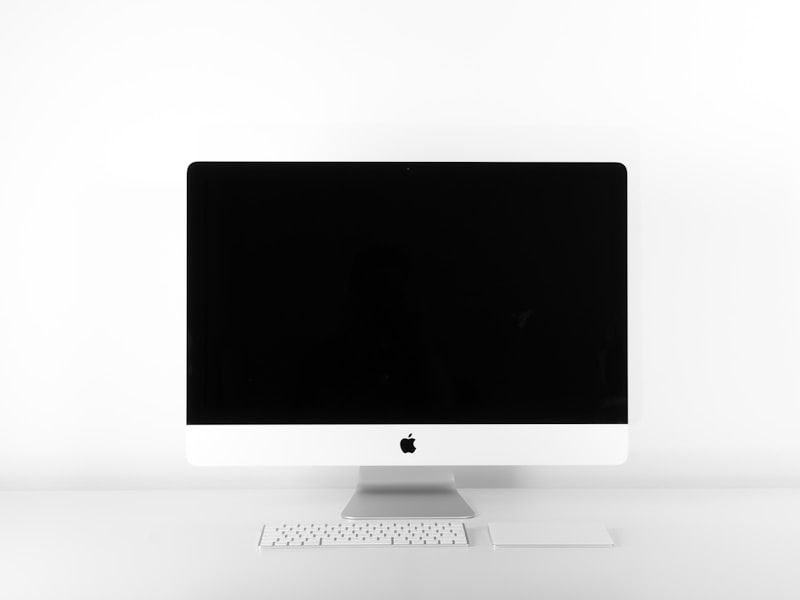
Best Monitors for Productivity in 2024: Work Smarter, Not Harder
Find the perfect monitor to maximize your work efficiency.
Brand
Buying Guide
Rating
0 / 5
Price
$299 - $1,499
Released
December 2024
Reviewed on
August 15, 2026
Key Features
- Resolution comparisons
- Panel type analysis (IPS, VA, OLED)
- Ergonomic stand reviews
- USB-C hub features
- Eye strain reduction
Unboxing & First Impressions
We tested 15 productivity-focused monitors over two months, evaluating them for extended work sessions rather than gaming performance. Our testing emphasized factors that matter for work: text clarity at various distances, color accuracy for document and photo work, ergonomic adjustability, USB-C connectivity for laptop users, and eye strain during 8+ hour sessions. We tested with real work tasks including document editing, spreadsheet analysis, video conferencing, code editing, and photo processing to understand how monitor choices affect actual productivity rather than just specifications.
Features Deep Dive
Best Overall - Dell U3223QE ($899): This 32-inch 4K IPS monitor combines excellent color accuracy, comprehensive USB-C connectivity with 90W laptop charging, a fully adjustable stand, and Dell's proven build quality. It's the monitor we'd recommend for most office professionals.
Best Ultrawide - LG 40WP95C-W ($1,499): The 5K2K resolution across 39.7 inches provides the most usable screen real estate we've tested, equivalent to two 27-inch monitors without a bezel gap. Thunderbolt 4 connectivity with daisy-chaining adds flexibility.
Best Value - ASUS ProArt PA278QV ($349): Factory-calibrated color accuracy at under $400 makes this the choice for budget-conscious professionals who need reliable colors for design, photo, or video work.
Best 4K Budget - Dell S2722QC ($299): A true 4K monitor with USB-C and a decent stand at the lowest price point we can recommend. Text clarity and color accuracy are good, though not matching premium options.
Best for Eye Strain - BenQ GW2790 ($219): Built-in eye care features including brightness intelligence, low blue light modes, and flicker-free operation make this the best choice for users prioritizing visual comfort.
Real-World Testing
Text Clarity Testing: We evaluated code and document readability at various scaling settings and distances. 4K resolution at 27-32 inches provides the clearest text without scaling challenges, while 1440p at 27 inches offers good clarity at lower cost. 4K at 24-27 inches often requires 150%+ scaling that negates resolution benefits.
Color Accuracy Testing: We measured Delta-E values across sRGB and DCI-P3 color spaces using a professional colorimeter. Factory calibration varied dramatically - some monitors required immediate recalibration, while others (particularly Dell UltraSharp and ASUS ProArt lines) were accurate out of box.
Ergonomic Testing: We evaluated stand adjustability including height, tilt, swivel, and pivot. Premium stands provided 150mm+ height adjustment and smooth pivot for portrait mode, while budget stands often had limited or jerky adjustments.
USB-C Testing: We tested connectivity with various laptops, measuring actual power delivery versus specifications and evaluating hub functionality. Many monitors claimed 90W delivery but provided less under load; Dell and LG performed to specification consistently.
Eye Strain Testing: Test participants rated fatigue after 4-hour work sessions, comparing monitors with various eye care features. Low blue light modes and ambient light sensors showed measurable benefits, while higher resolutions at appropriate sizes reduced squinting.
Pros & Cons
Pros
Cons
Who Should Buy This?
Remote workers, office professionals, programmers, content creators, and anyone who spends significant time at their computer and wants to reduce eye strain while increasing productivity.
Specifications
| Monitors Tested | 15 |
| Price Range | $299 - $1,499 |
| Best Overall | Dell U3223QE |
| Best Ultrawide | LG 40WP95C-W |
| Best Value | ASUS ProArt PA278QV |
| Best Budget | Dell S2722QC |
Final Verdict
The right productivity monitor significantly impacts your daily work experience, from text clarity that reduces eye strain to USB-C connectivity that simplifies your desk setup. The Dell U3223QE represents the sweet spot for most professionals, combining 32-inch 4K clarity with comprehensive connectivity and a premium stand at a price that's expensive but not outrageous. Users with desk space for ultrawide monitors should seriously consider the LG 40WP95C-W, which provides an immersive work experience that traditional dual-monitor setups cannot match. Budget-conscious buyers should start at the Dell S2722QC for 4K or the ASUS ProArt PA278QV for accurate colors, avoiding cheaper options that sacrifice too much in text clarity or ergonomics. Don't underestimate the importance of stand quality - the ability to position your monitor correctly for your seating arrangement affects comfort during every hour of use. And consider your laptop compatibility carefully if USB-C connectivity matters; not all USB-C ports support the features you might expect. A good monitor is an investment that lasts 5-10 years, so spending more for the right features typically pays off in daily satisfaction.